Copy, paste, publish—and the ChekIt widget is live on any site. No custom JavaScript, no waiting on developers, no special plugins.
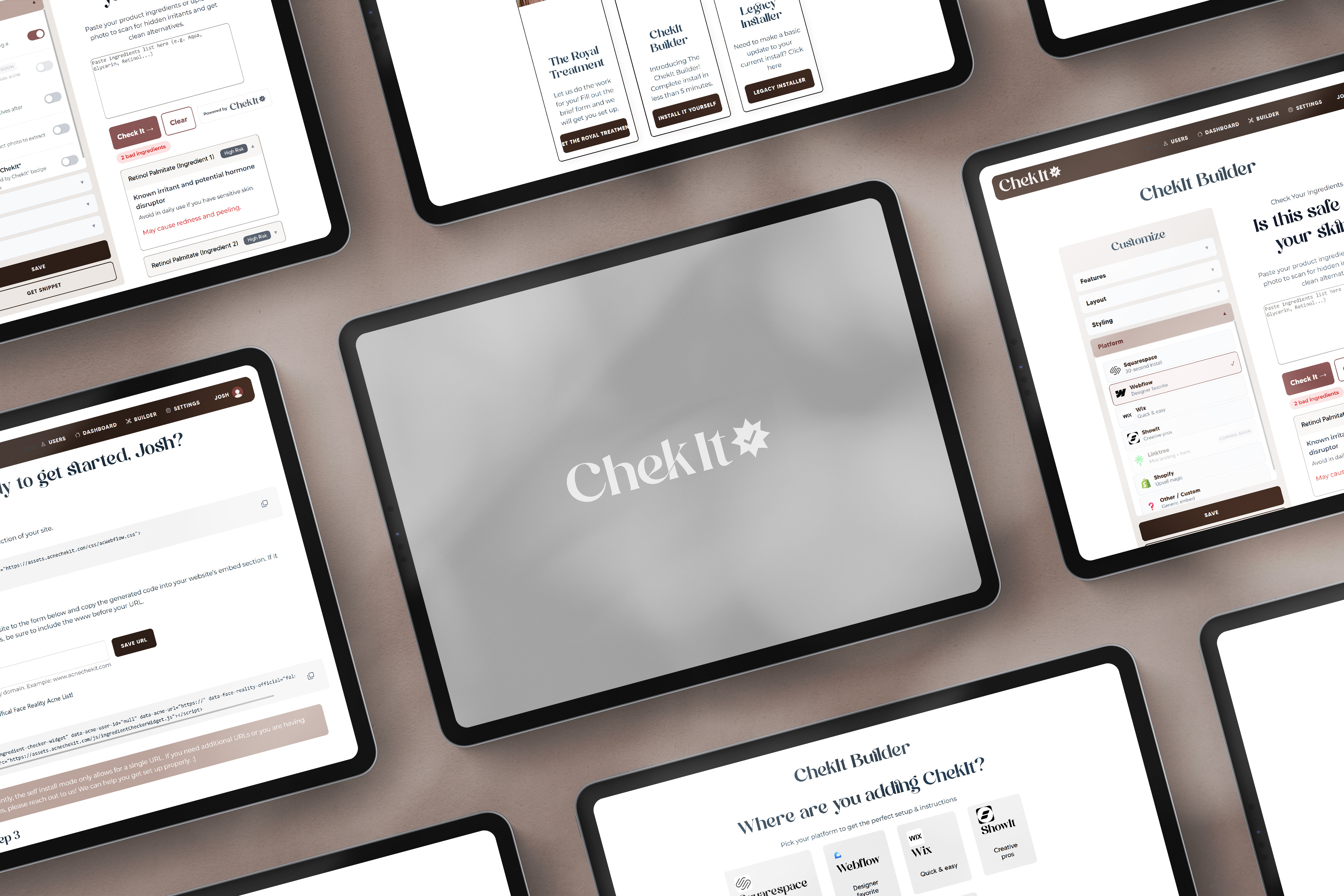
Learn more about how easy it is to install ChekIt!
One lightweight script, one paste, zero SDKs. ChekIt works on Webflow, Shopify, Squarespace, Webflow, and any custom HTML page.
Responsive styling and accessibility are handled for you, so the widget looks native no matter where you insert it.
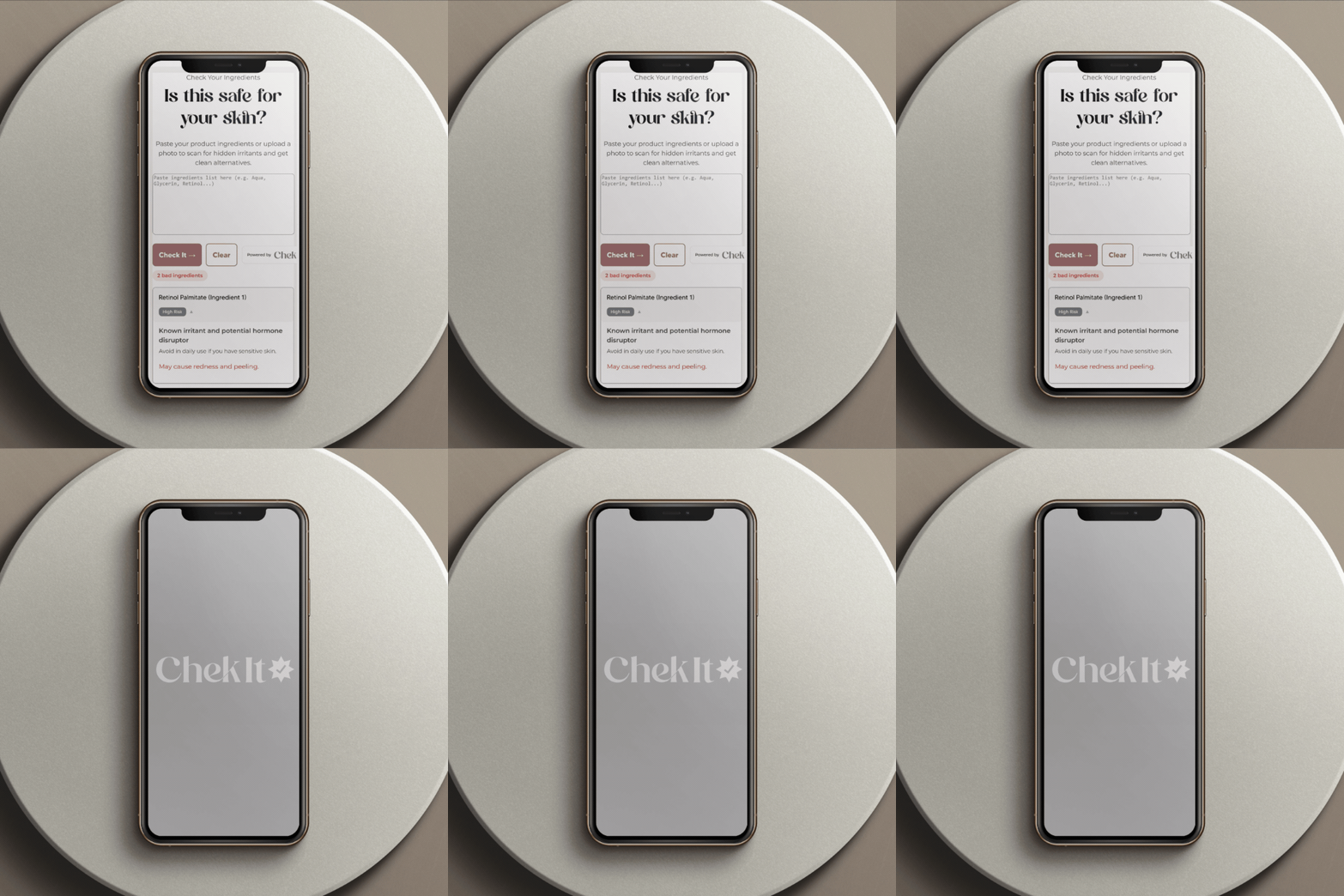
Paste once, publish, done. No JavaScript, no CSS, no backend work—just the snippet and a preview link.
Every install includes inline guidance that spells out placement suggestions (hero, sidebar, footer) and recommended layout presets.
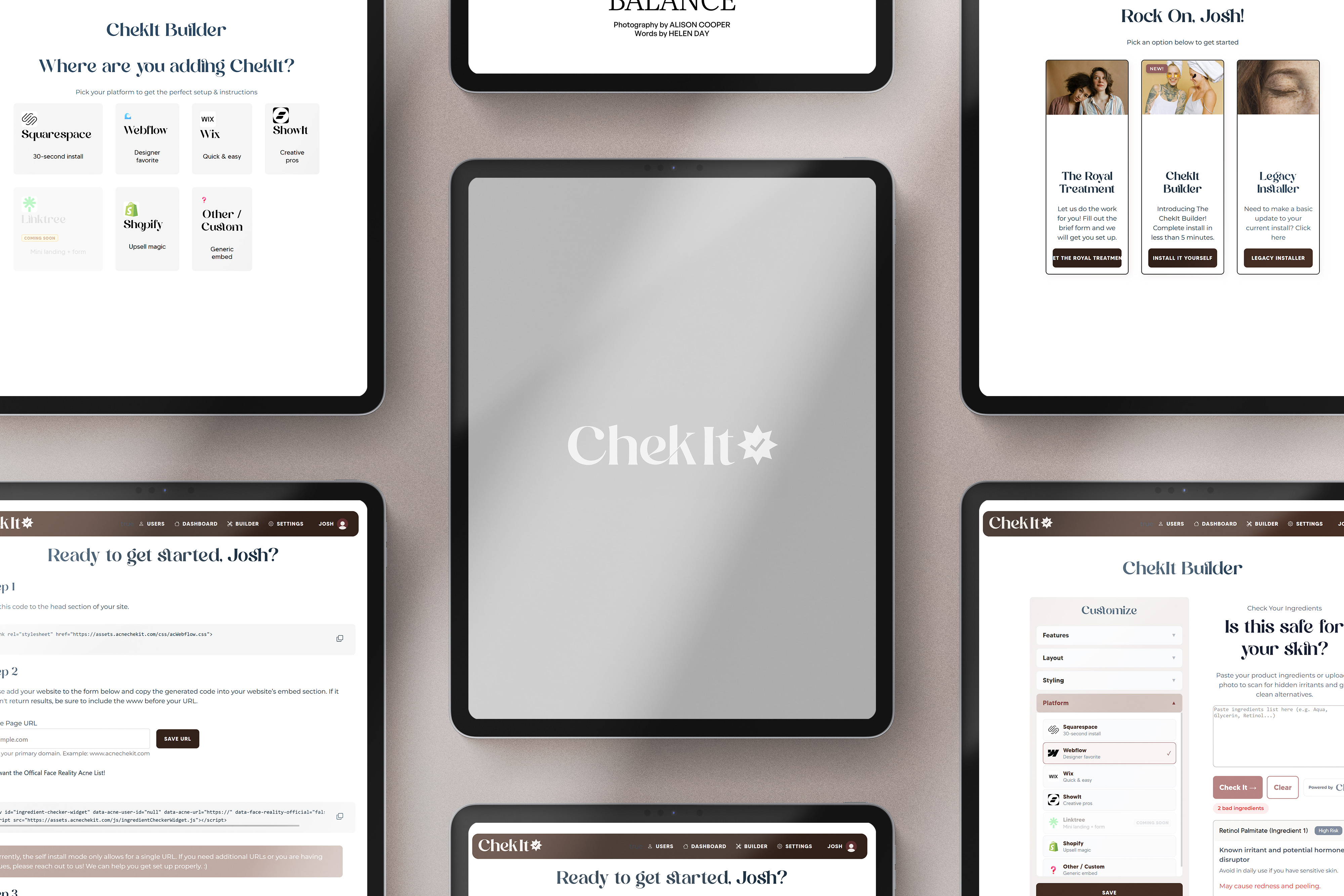
Estheticians go live in under five minutes during consults or launch days.
Support is ready, but 97% of installs never need follow-up.

Step 1: Choose placement (e.g., hero, product page, consultation note).
Step 2: Toggle features (acne warnings, key ingredients, recommendations) and preview.
Step 3: Paste the snippet and publish—ChekIt renders instantly with the settings you picked.

Get clear answers on how ChekIt works, what makes it different from generic ingredient checkers, and how it helps estheticians improve consultations, client trust, and website engagement.
The widget loads asynchronously and never slows your page.
Yep, change any option inside ChekIt and it updates instantly everywhere the widget appears.